
Set your wake-up schedule
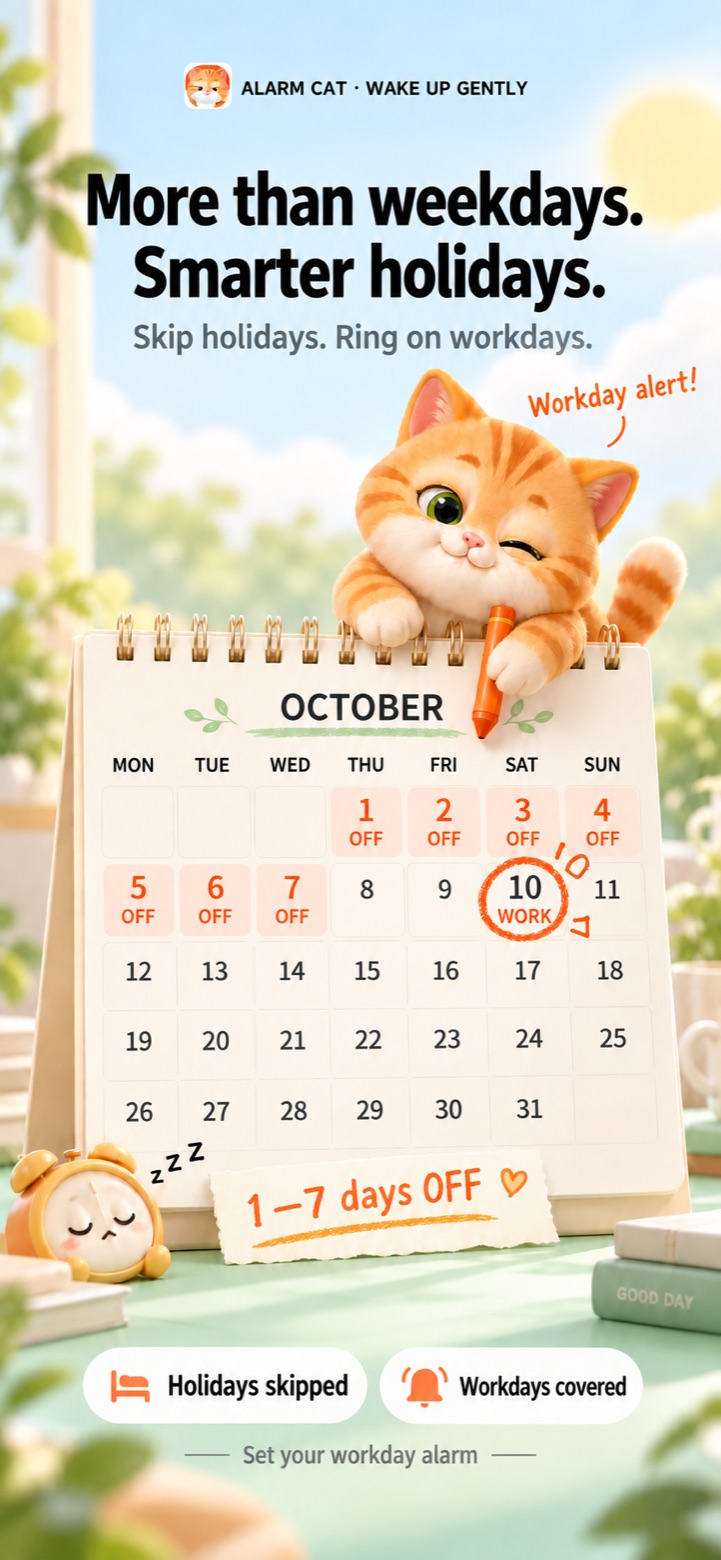
Set a 4 on 4 off rota, another fixed work/rest cycle or chosen weekdays. The alarm rings on workdays and stays quiet on rest days in the cycle.
Set an alarm for your fixed work/rest pattern, choose a gentle wake-up sound and enjoy your mornings with Mochi. Four days on, four days off — set the cycle once.
Custom alarm sounds · weekday repeats · snooze · widgets
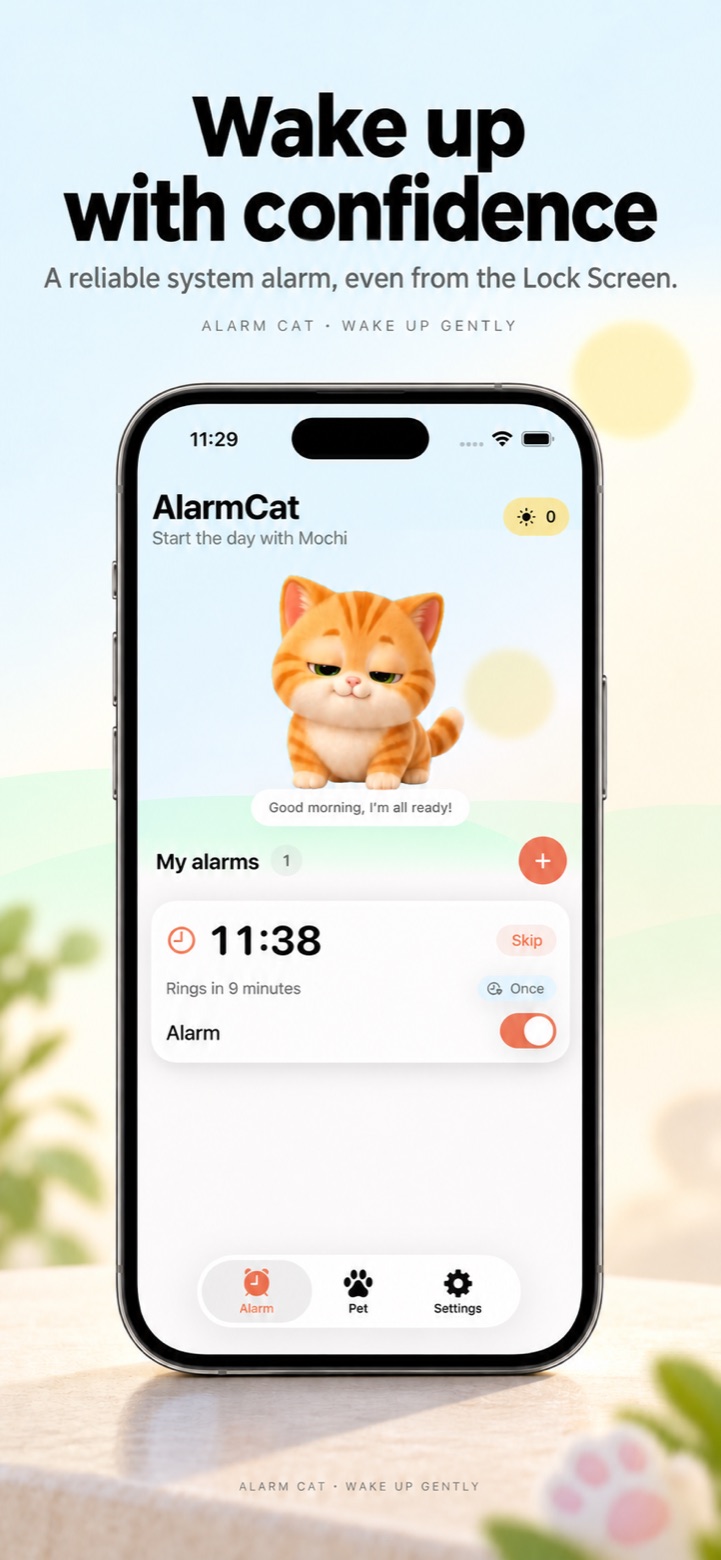
An alarm clock for workdays, days off and the way you like to wake up.
Set a 4 on 4 off rota, another fixed work/rest cycle or chosen weekdays. The alarm rings on workdays and stays quiet on rest days in the cycle.
Try playful voices, upbeat rhythms or gentle melodies. Import a local audio file to create a custom alarm sound that feels like yours.
After stopping the alarm, enjoy an optional math, shake or cat-jump activity. Collect rewards and use them to care for your virtual cat.
Make small changes as your plans change, without setting every morning from scratch.
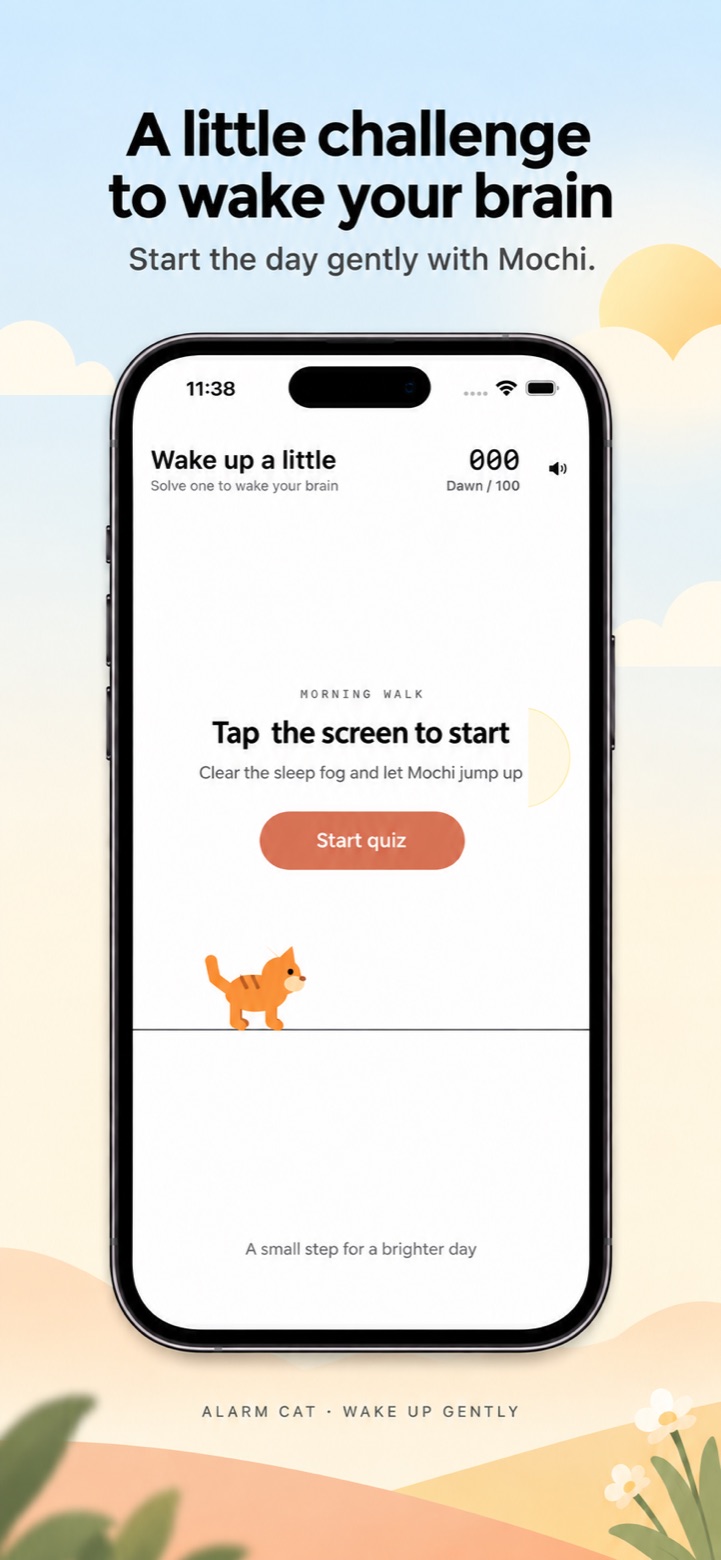
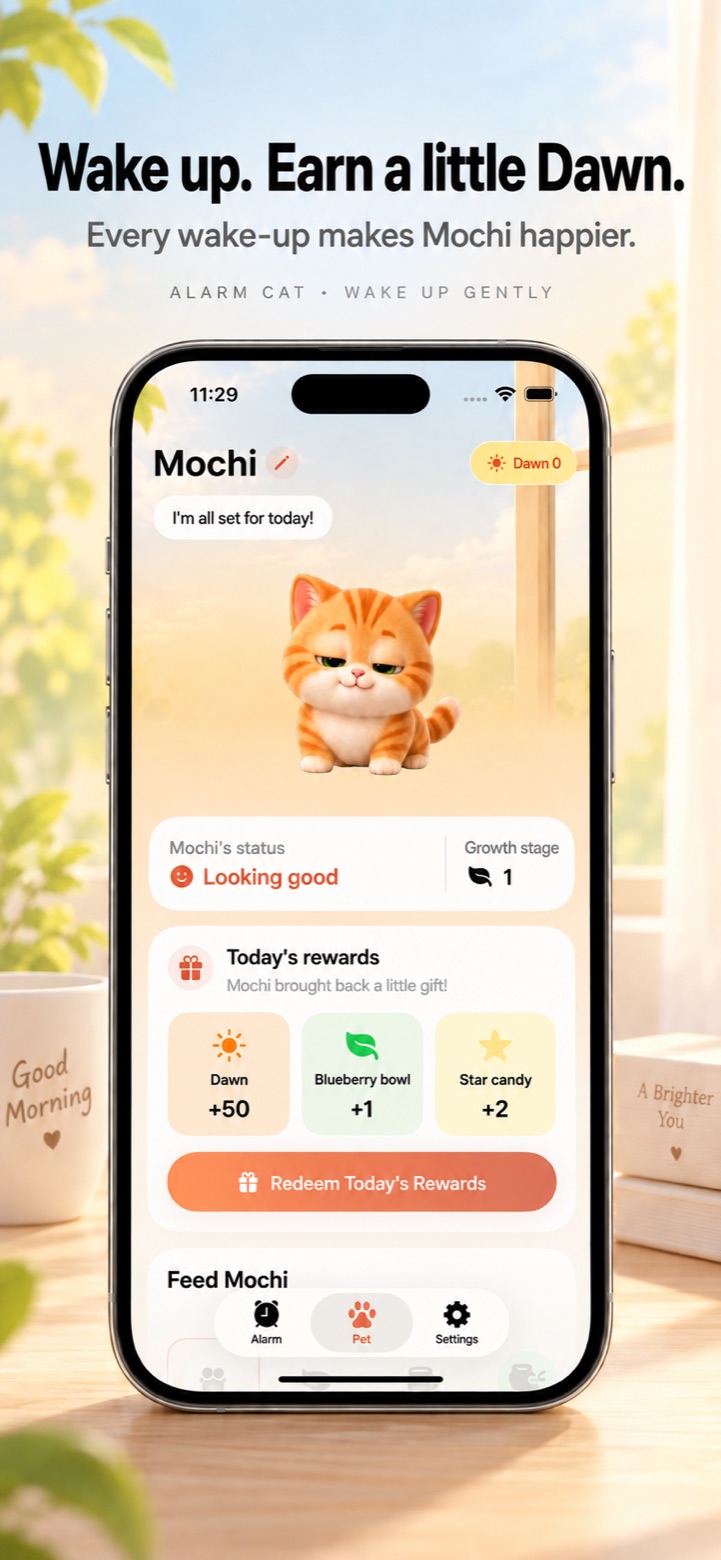
After stopping the alarm, enjoy an optional math, shake or cat-jump activity. Collect rewards and use them to care for your virtual cat.
Choose an alarm sound you enjoy, set your weekdays or a fixed work/rest cycle, and start the morning with Mochi. Your next wake-up, made a little more personal.
Download AlarmCatOpen poster
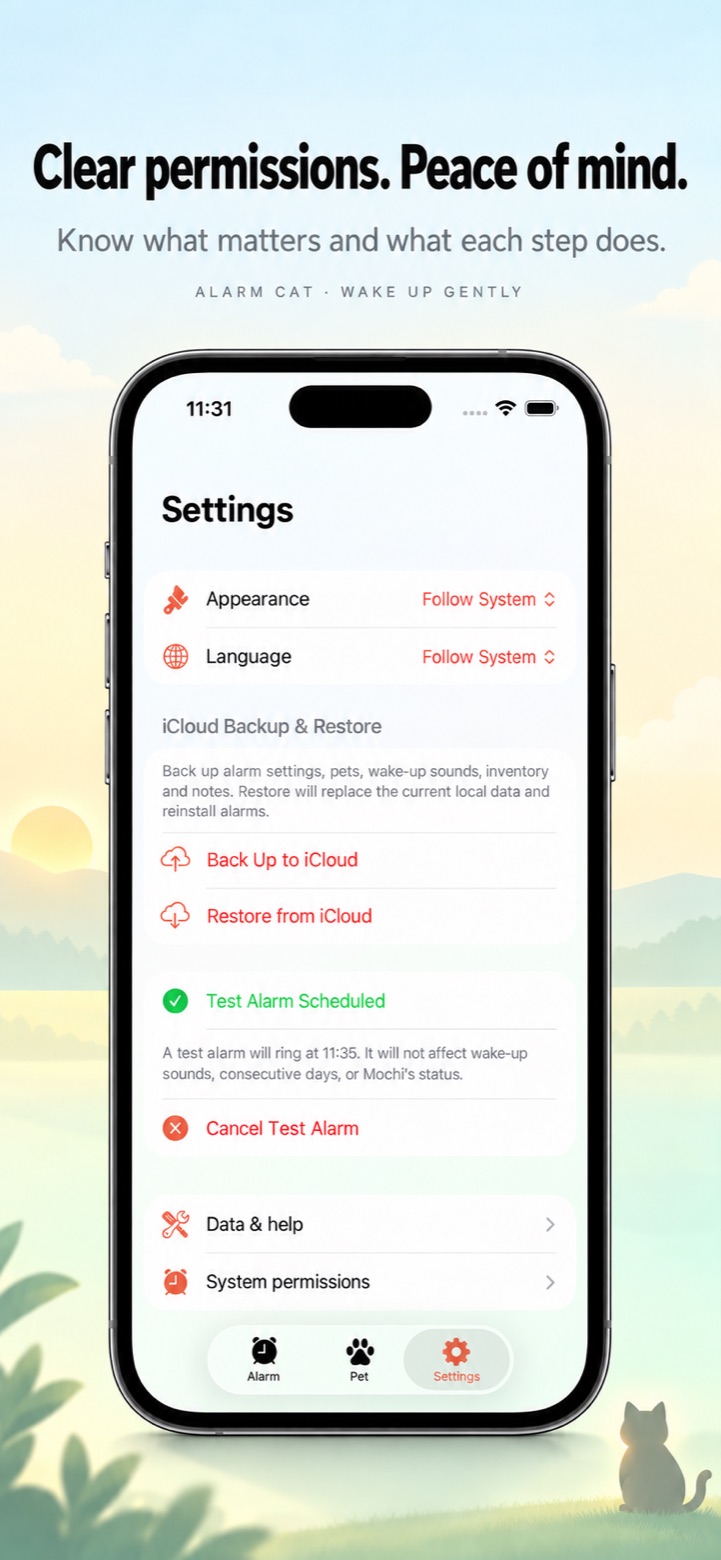
Set your alarm and check your permissions before your next morning.
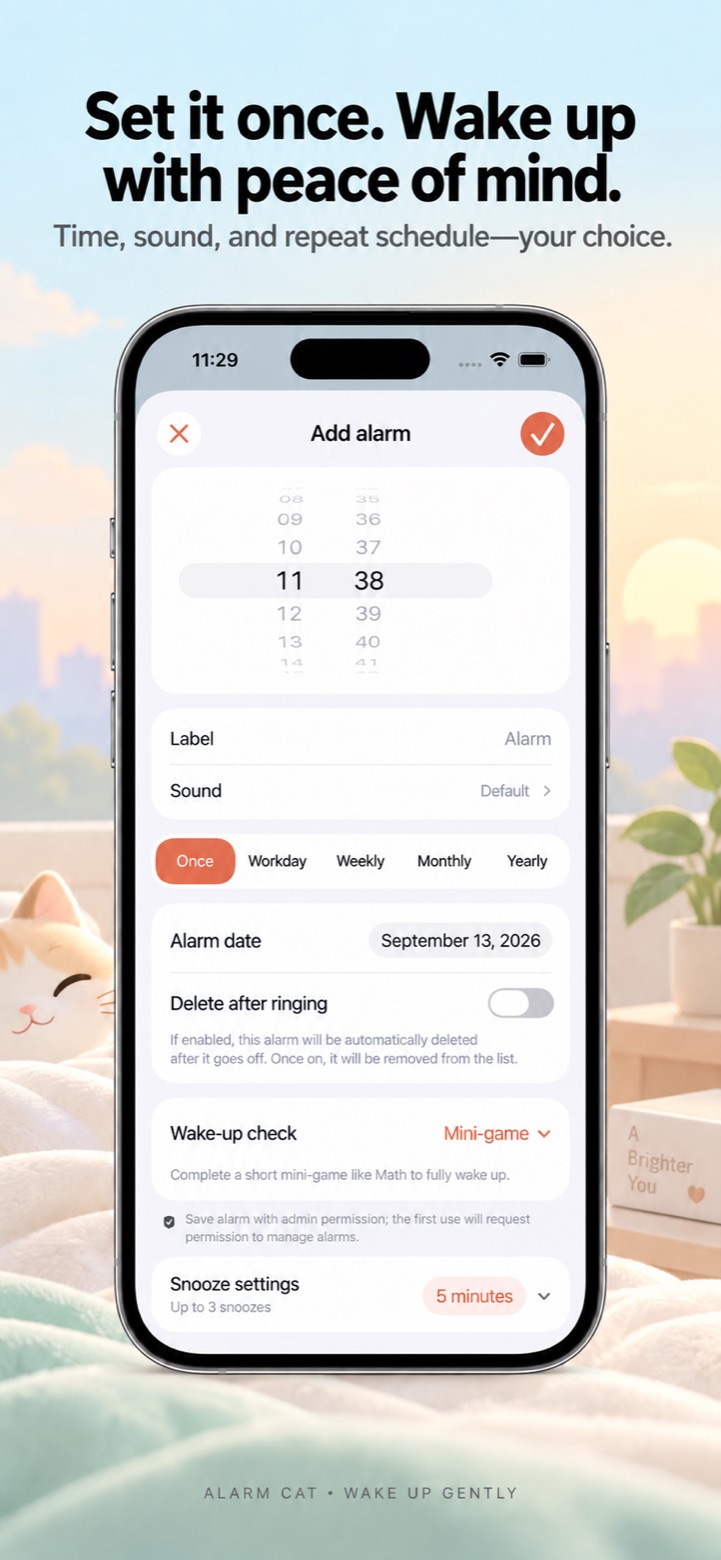
Choose the weekdays or a fixed cycle that fits your routine. Your alarm rings on its workdays and stays quiet on its rest days.
Quick answers about repeat alarms, custom sounds and morning activities.
Choose a wake-up time, then select weekdays or a fixed work/rest cycle. You can also alternate Monday–Friday and Monday–Saturday workweeks.
Yes. Choose a built-in voice, rhythm or gentle melody, or import your own local audio file. You can choose a different sound for each alarm.
You stop the alarm first. Math, shaking and the cat-jump game are optional activities afterward, with rewards you can use to feed Mochi.
Read the full AlarmCat Privacy Policy. Your alarm data and pet progress stay on your device unless you choose iCloud backup. Terms
Still stuck? Email mytuya@qq.com and tell us your iPhone model, iOS version and what happened. Screenshots are welcome.