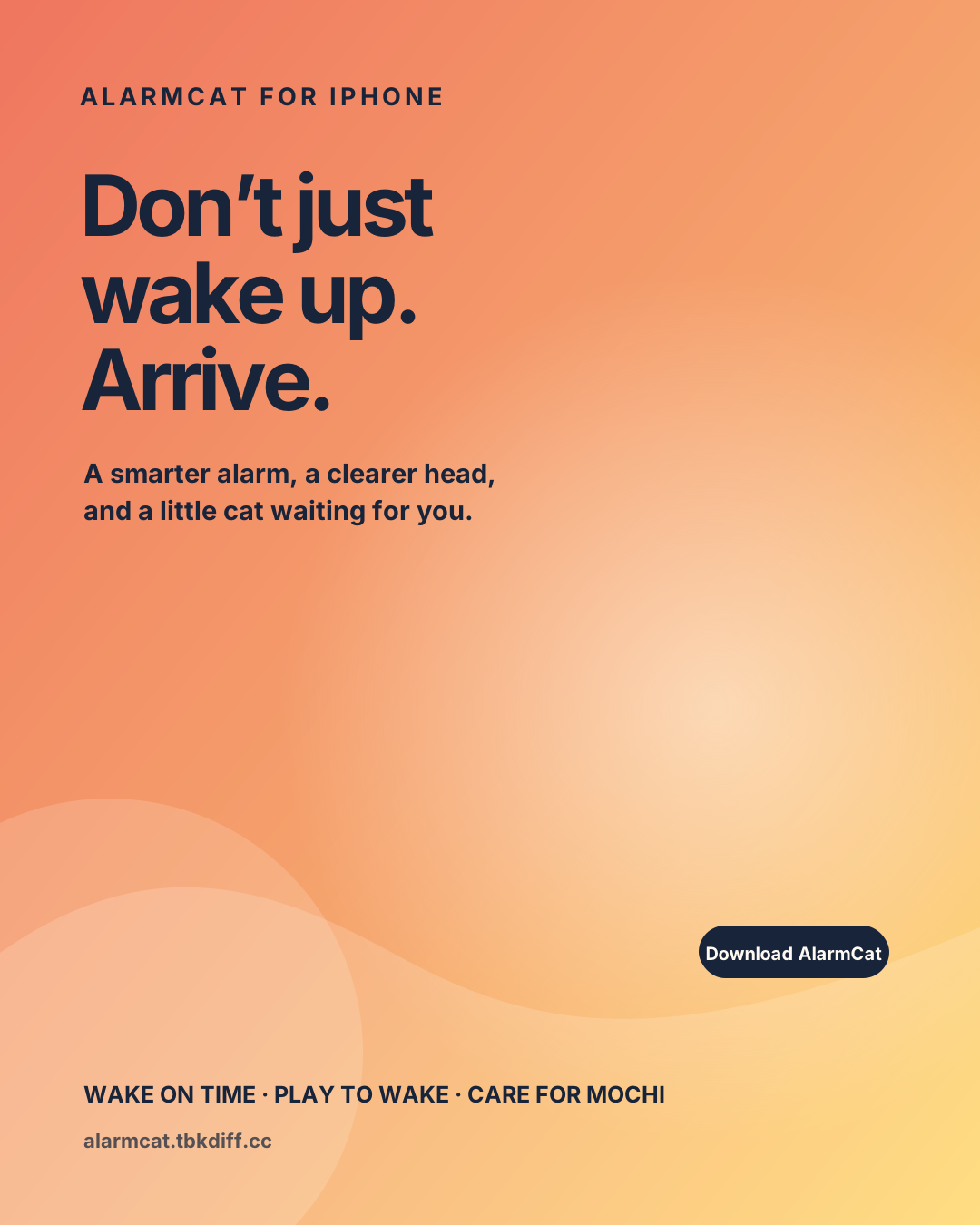
Wake on time
Set alarms for everyday routines and keep the next wake-up easy to read at a glance.
AlarmCat turns the first minutes of your morning into a tiny win: set an alarm, finish a wake-up challenge, collect Morning Light points and take care of Mochi.
Smart alarm clock · wake-up games · virtual pet · Home Screen widget

AlarmCat is designed to help you cross the gap between “the alarm rang” and “I’m actually up.”
Set alarms for everyday routines and keep the next wake-up easy to read at a glance.
Use a quick math or game challenge to move your body and focus your attention before snoozing.
Earn Morning Light points, feed your cat and build a gentle reason to come back tomorrow.
Every screen is built around the moment you need it: before bed, when the alarm rings and after you’ve made it through.
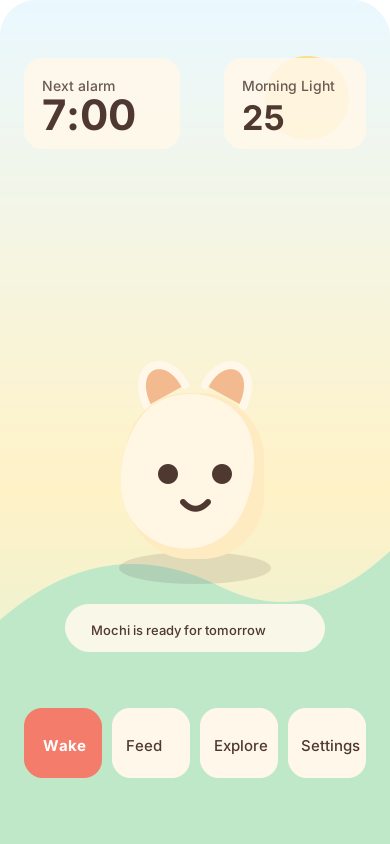
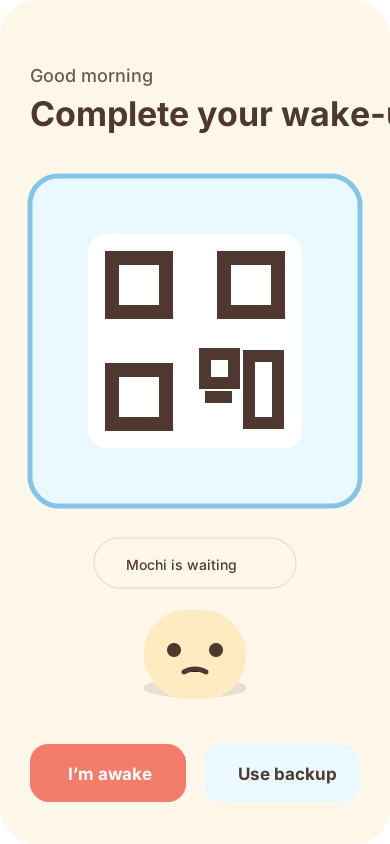
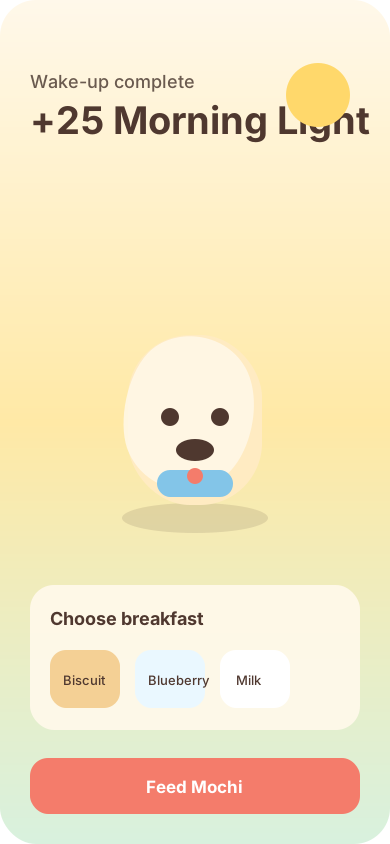
Not louder. More meaningful. AlarmCat gives your first win of the day somewhere to go.
Wake on time, clear your head and give Mochi a good morning.
Download AlarmCat ↗Open poster
Find quick answers for permissions, reminders, backup and wake-up challenges.
Alarm permission is required so the system can wake you at the time you set. If it was denied, open Settings → Apps → AlarmCat → Alarms and turn it on.
Yes. Choose the simple alarm flow when creating an alarm, or select a challenge only for the mornings when you need extra help getting up.
They are an in-app reward for completing a wake-up. Use them to care for Mochi and make your morning routine feel more personal.
Read the full AlarmCat Privacy Policy. Your alarm data and pet progress stay on your device unless you choose iCloud backup.
Still stuck? Email mytuya@qq.com and tell us your iPhone model, iOS version and what happened. Screenshots are welcome.